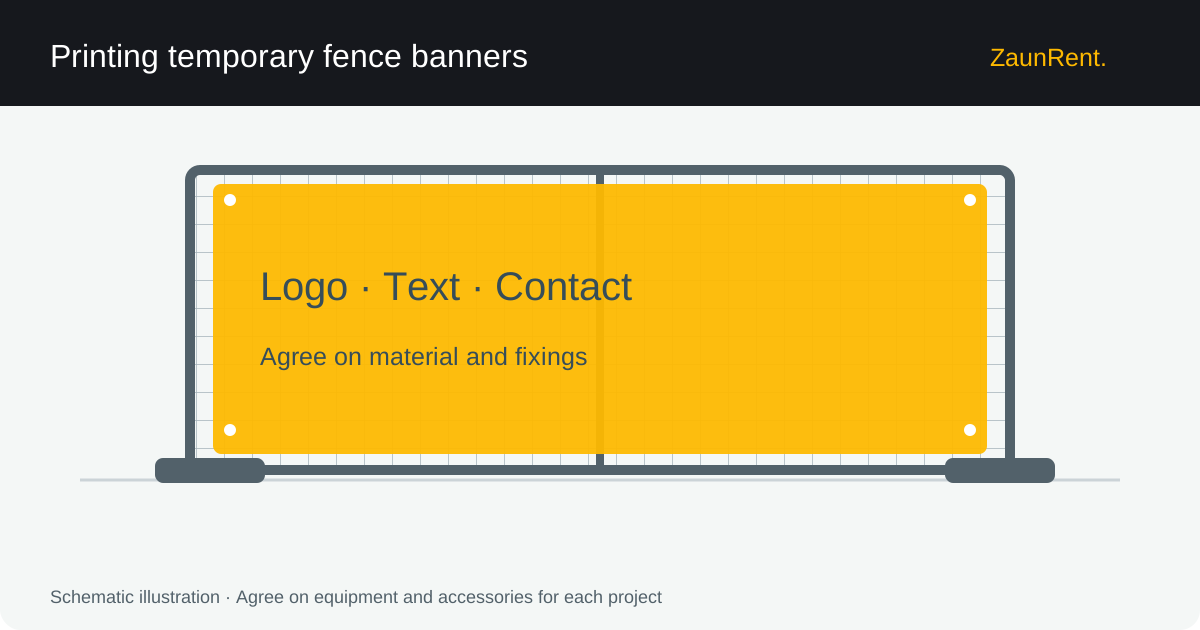
Request the print template first
Use the print provider's specific data sheet. Finished size, bleed and safety margins can vary by product. Colour profile and resolution requirements also depend on the provider. A single specification for all large formats is not useful. Supply logos in a suitable vector file wherever possible.
Check the design and output
Keep text away from edges and eyelet areas. Check names, phone numbers, web addresses and any QR codes. A screen preview gives only a limited impression of colour and final readability. Request the intended print proof and check that the design remains clear at the actual viewing distance.
Read more: Temporary fence banners and Temporary fence advertising.
Coordinate printing and installation
Material, dimensions and fixings must suit the fence. Tell the installer about the planned covering before installation so its effects can be taken into account. ZaunRent provides preparation advice here; this page does not promise an in-house printing service or a particular delivery date. Explicitly agree on the services required with the parties involved.
Enquiry checklist
Have the following information ready so we can agree on the scope and arrangements:
- Printer's specification sheet
- Finished size including fixing margin
- Approved logos and text
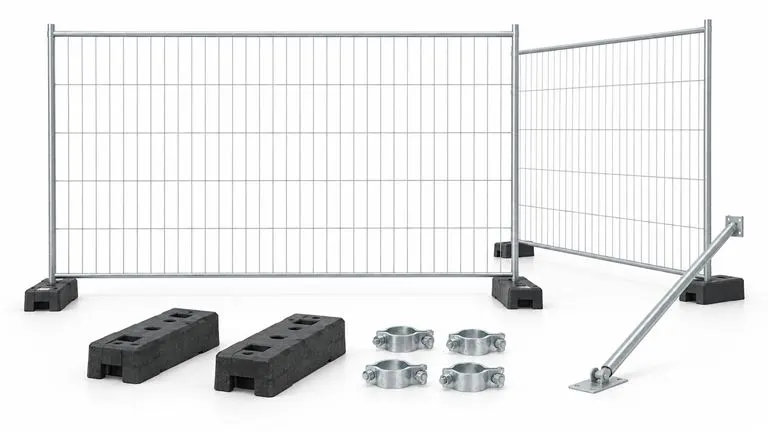
- Agreed fence system
Temporary fence banner printing FAQ
What resolution do I need?
This depends on finished size, design and viewing distance, among other factors. Follow your provider's specific artwork requirements.
Explore related topics
You can find all topics in our Temporary fencing guide. For information on the process, visit Services.